Bring curiosity into your orbit
Add ten minutes of curiosity to a lesson: put a simulation on screen, let your students predict first, then test it. If you like, set up your own student group, your orbit; give assignments and see progress in a single table.
- Open an account
- Set up an orbit
- Hand out the code or cards
- Give an assignment
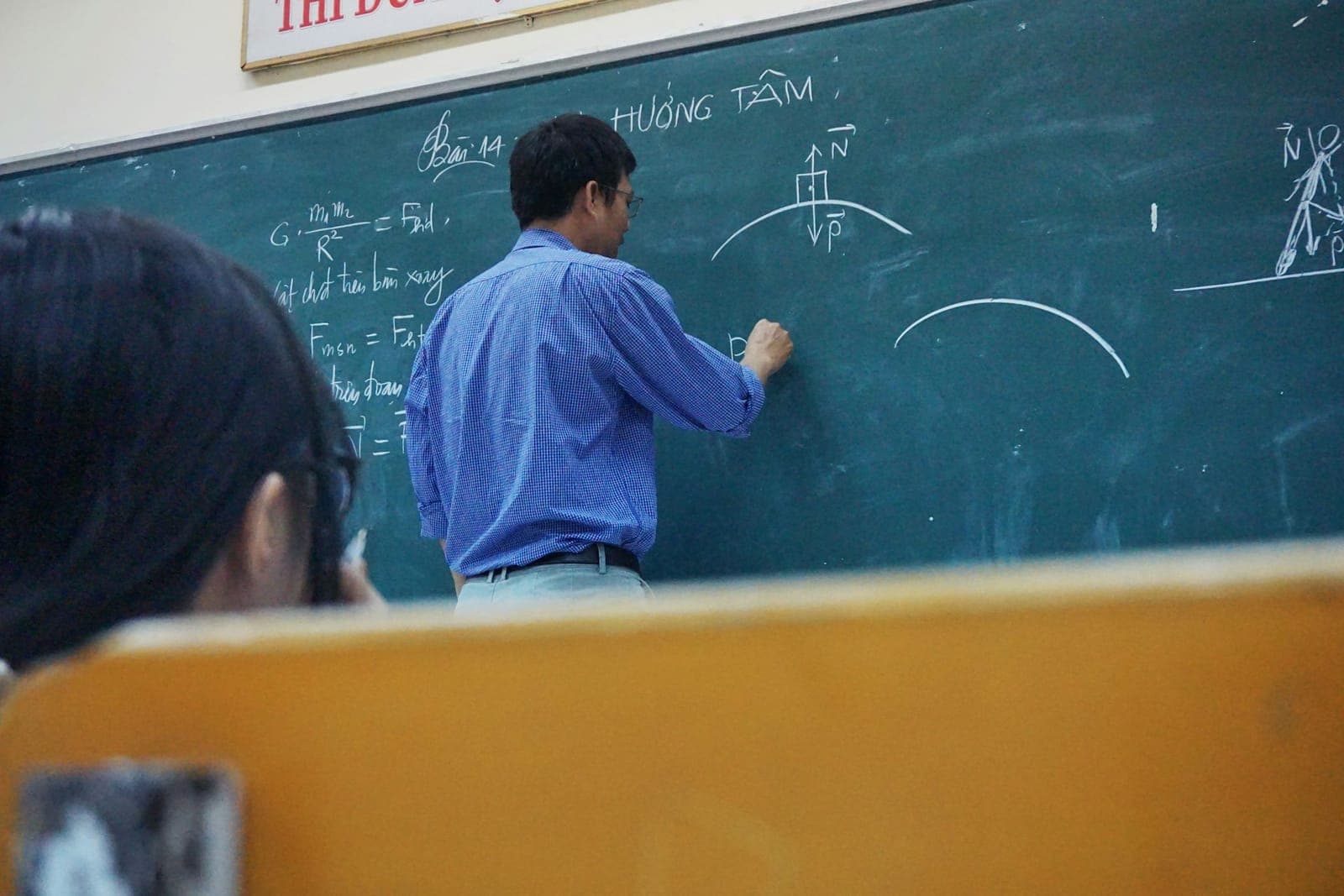
Photo: Tra Nguyen / Unsplash
In a lesson, no accounts needed
Ten minutes in a lesson
You can use it without an orbit; the simulation doesn't ask anyone to log in.
Project
Open the lesson page on screen, or share your screen in an online lesson.
Predict
Vote on the question that comes before the simulation; the options come from real misconceptions.
Test
Let one of your students change the values and submit the answer.
Explain
Compare the short explanation with how the group voted: who thought what, and why?
“Does luck really exist?”
5 steps. Each step fits in a single lesson; you can start with the first step’s simulation.
Once you set up an orbit
What's in the educator dashboard
- Progress table
One row per student: lessons completed, quiz average and the status of every assignment.
Columns in the table
- Lessons: how many lessons are completed
- Quiz average: average on short quizzes taken; empty until there is one
- Assignment status: done, pending or overdue; updates itself
- Level, streak, last activity: how regularly the student works
- Assignments
Link one to a lesson or a short quiz and set a due date. It marks itself done when the lesson is finished or the quiz is passed.
- Misconceptions
How predictions were spread before each simulation. No names; shown once there are at least 3 predictions.
- You handle password resets
When a student forgets their password, you give them a new temporary one.
- Quiz drafts
Pick the topic, level, difficulty and number of questions; the AI (Claude) writes a draft and checks each question by solving it again. You read and edit it before giving it to your students; no student data is sent to the AI.
Questions from educators
Do I need an account to show it in a lesson?
No. The simulations on lesson pages work without an account; you can put them on screen and use them with your students. Orbits, assignments and the progress table need an educator account.
Do my students need email addresses?
No. You can create the student accounts; each student logs in with a username and password. A student with their own account can also join your orbit with the invite code.
Do you use AI?
Yes, in four places, all with checks. The short facts and mini questions on the site come from a pool: some are written by our team and some are generated with Claude; every generated item passes a second, independent automatic check before it goes live, and content that readers report as wrong goes to an admin for review. Approved educators can generate quiz drafts; every question is solved again independently, and educators read and edit the draft before giving it to their students. Students can ask the “I’m stuck” helper on a lesson page for a hint: it never gives the answer, only talks about that lesson, is limited per day, and educators can turn it off for their orbit. In the growth notebook students can also ask for a short “Why this answer?” explanation once a question’s answer key is open. Account details (name, email, school) are not sent to the AI; emails and phone numbers in what students write are hidden, and messages aren’t stored. Students are asked not to write personal details about themselves.
Are you affiliated with any official institution?
No. Kuazara is an independent platform; it is not affiliated with any government body and does not issue official certificates. If you teach on behalf of an organisation, we suggest checking its rules on digital platforms.
More questions
Why am I waiting for approval?
Educator accounts can create student accounts, so they go through a short approval. Until then you can explore the lessons and simulations and fill in your profile.
Which fields are covered?
Maths and Science (at grade 5–8 level), plus fields not tied to a grade: Curiosity, Art and culture, Nature and farming, Kitchen science, and Culture and history. The full list is on the Fields page.
Can I build my own course?
Yes. Approved educators can be given the course tool: you build your course with sections and lessons and submit it for review; it is published after review.